$0.00
You're using Bidoro as a guest — your tasks, scores, and timeline live only on this device.
Sign up free to unlock cloud sync — pick up where you left off on your phone, tablet, or another browser, and never lose a session.
Tap a chip to toggle. Double-tap a label to rename, double-tap a score to edit.
One quote per line. A random one shows in the top bar — re-picked once an hour.


Your data is already saved on this device. Sign in only to sync it across iPhone, iPad & web.
Add a task.
Show a short "how to handle this" tip in empty matrix cells.
Choose the app language. "Auto" follows your device. Money shows in the matching currency.
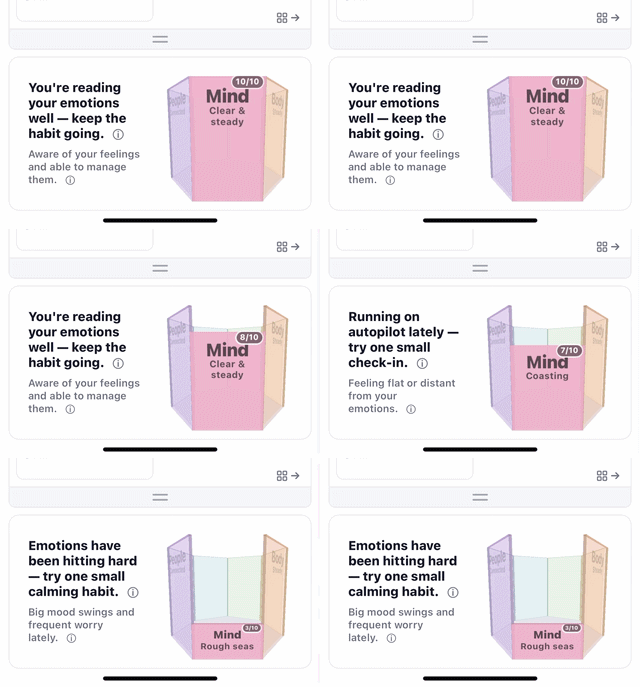
Set how many sides and name each one. Description is painted on the bucket; Direction and Diagnostic are the coaching lines shown when you tap that side.
Bid on your time: plan it, focus, and watch the rewards fill your bucket. Tap any item to see how it works.
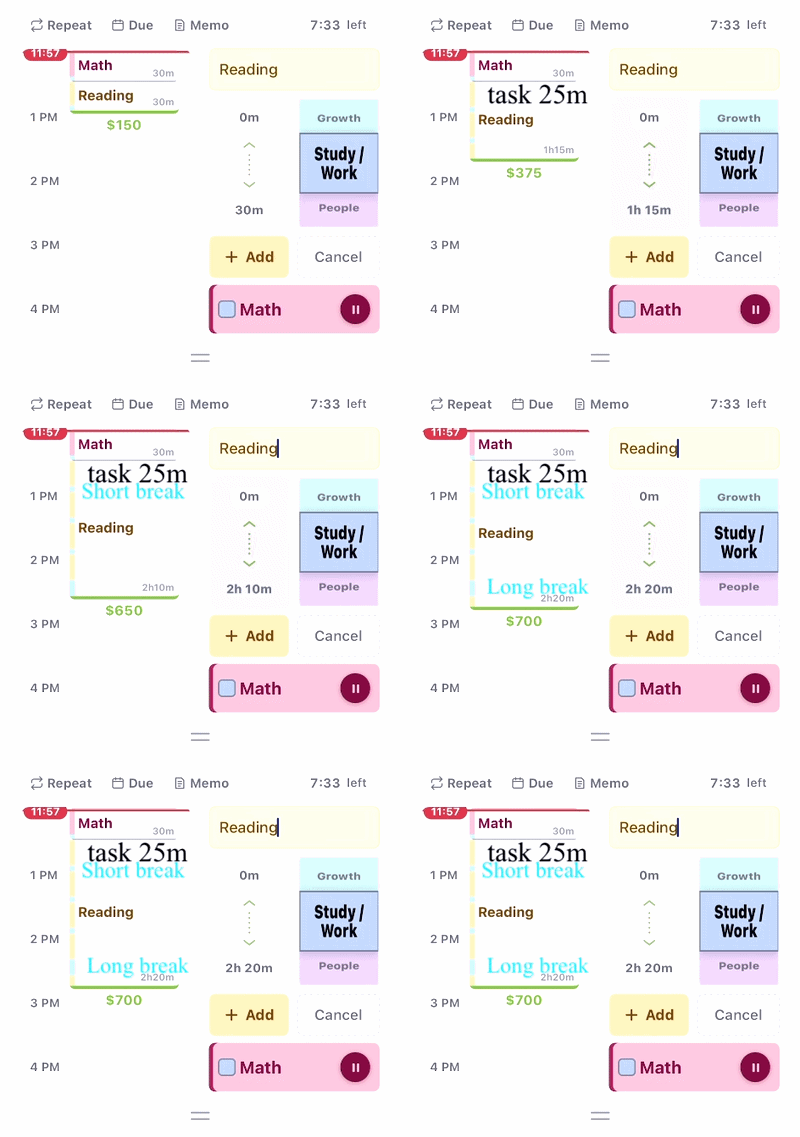
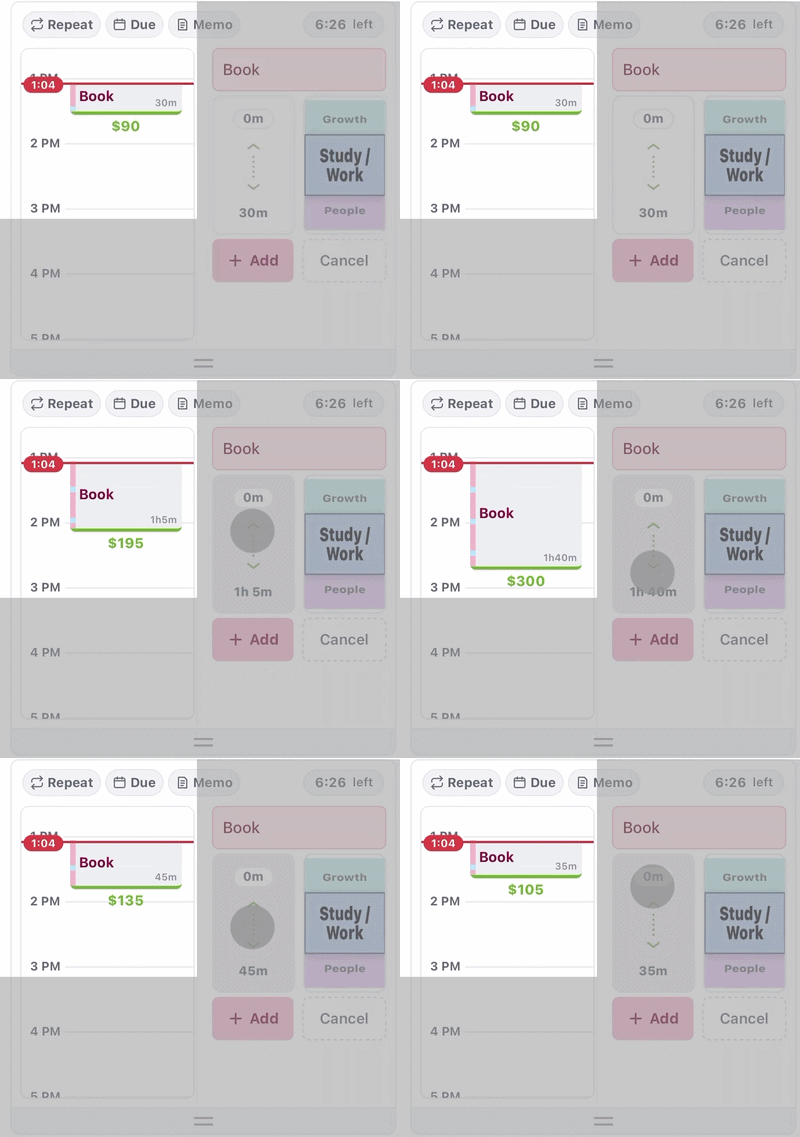
Tap + Add, then slide your finger to set how long the task should take. Choose a bucket side (Mind, Body, Money…) so finishing it fills that life area.
Drag a task bar to reorder it within its cell — or drop it into a different cell to re-prioritize it across the matrix.
On iPhone, swipe the Time & Tasks section left or right to flip between the time gauge and the matrix.
Right from the home screen, add a routine and set it to repeat — it comes back on the days you choose.
Open the Calendar, switch to the Routine tab to add a routine, then tap its routine button to start it.
Strict Pomo keeps every block a clean 25 + 5. Prioritize reorders the blocks below the now-line by quadrant, most important first. Shuffle re-lays your tasks neatly on the timeline.
In Edit, use the up / down arrow buttons to nudge a block earlier or later, and the move button to drag it to a new time.
Your day runs down the time gauge: the red line is now, each block is a task, and the blue line is your goal time. Pinch to zoom in and out.
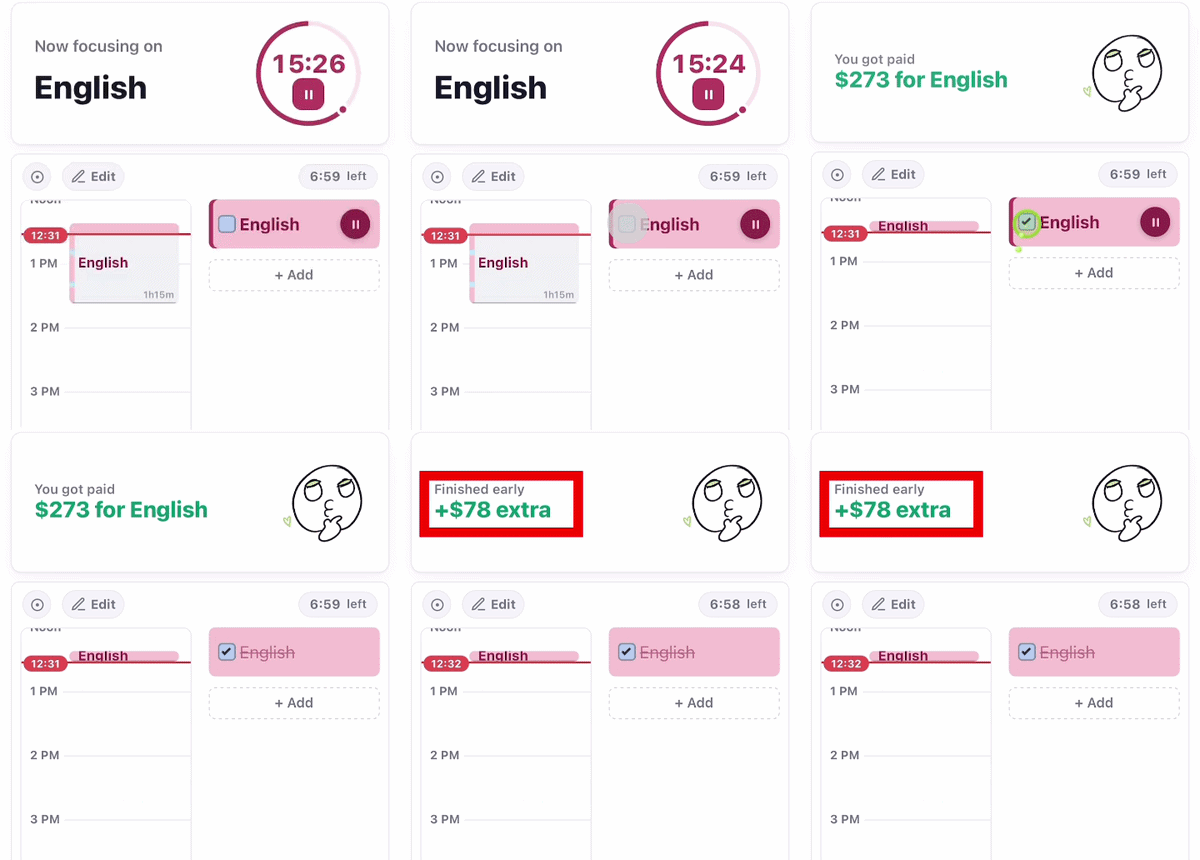
Press the ▶ play button on a task. Its block fills with colour as the time passes, and water drips into your bucket while you focus.
Tick a task done before its planned time runs out and you earn a bonus — finishing early pays off.
Slide a task bar to reveal quick actions: swipe right to put it off until tomorrow, or swipe left to drop it onto your timeline as a block — or delete it.
Spend the money you earn on tiles and seeds. Water a seed and it grows into a plant by 7 AM the next morning.
Give each plant a name. Every plant has its own special power.
Add a friend to see when they're focusing right now and which routines they've kept up — and choose exactly how much you share.
Jot down resolutions and quotes while you study. They rotate through your top bar to keep you company.
Read other people's resolutions and reflections for a lift when you need one.
Turn on Share to send your resolutions out to others.
How often each kind of note shows in the top bar. Always totals 100%.
Each 30 min on a bucket side fills a half-ring (clockwise from 12).
Choose one mystery seed to send. Your friend plants it in their garden — each grants a fun superpower.
What you share is the same for both of you. Turning a section off applies right away; turning one on needs your friend's OK.
Have a friend scan this to add you on Bidoro.
Bidoro helps you plan and stay focused. Optional Google Calendar sync is used only to display and update your schedule.
Finish today's tasks by...
When does this task start repeating?
One per line · re-picked hourly
Shared anonymously; others appear in green.
Using a web browser?
Create a free account to use Bidoro in a web browser and sync across devices.