Time & Tasks
Tasks
$0.00
You're using Bidoro as a guest — your tasks, scores, and timeline live only on this device.
Sign up free to unlock cloud sync — pick up where you left off on your phone, tablet, or another browser, and never lose a session.
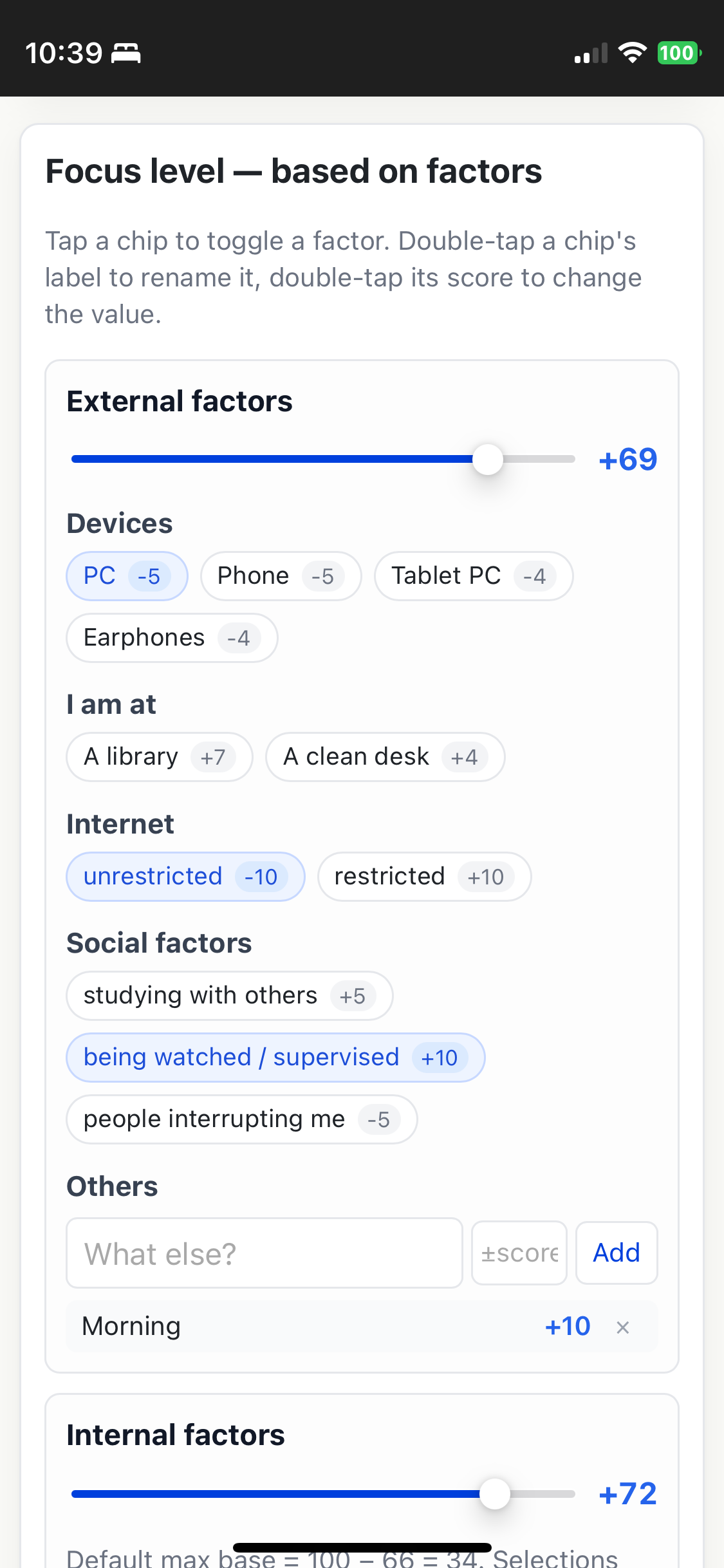
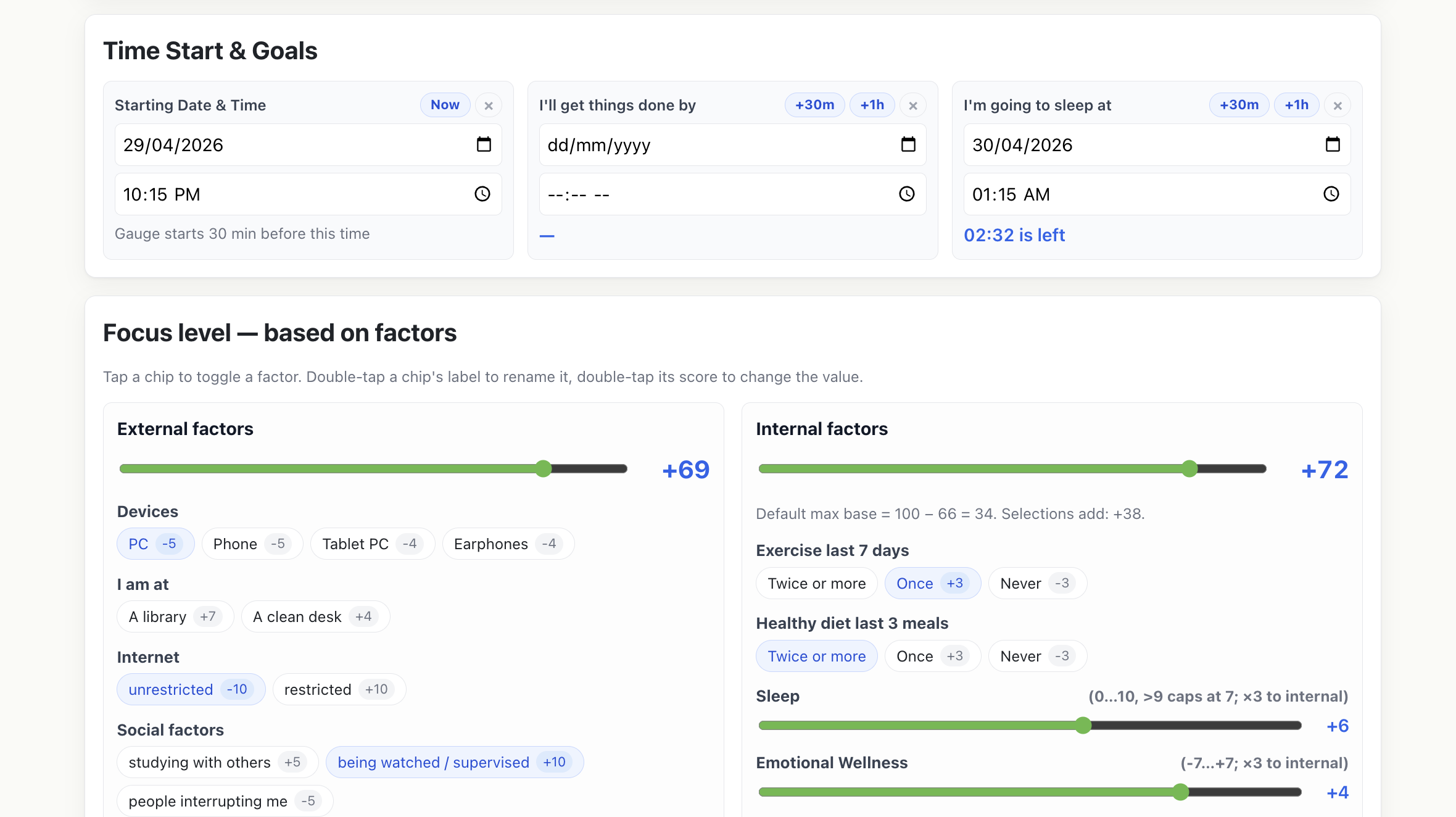
Tap a chip to toggle. Double-tap a label to rename, double-tap a score to edit.
One quote per line. A random one shows in the top bar — re-picked once an hour.
✓ Signed in as —
Sign up to use Bidoro Web on your computer.
Add a task.
Show a short "how to handle this" tip in empty matrix cells.
Choose the app language. "Auto" follows your device. Money shows in the matching currency.
Set how many sides and name each one. Description is painted on the bucket; Direction and Diagnostic are the coaching lines shown when you tap that side.
Bid on your time: plan it, focus, and watch the rewards fill your bucket.
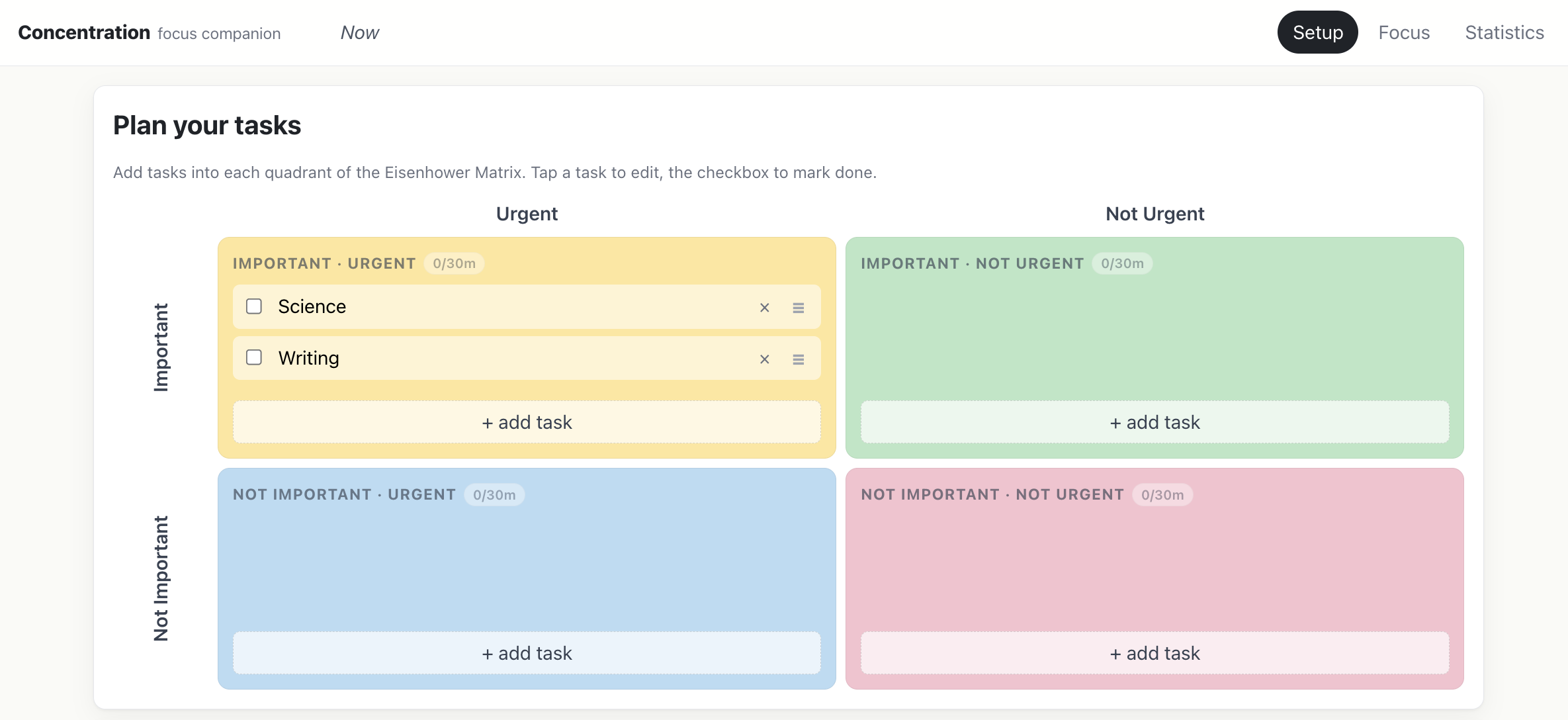
On the home page, tap + Add and pick a quadrant (urgency × importance). Drag the slider to set how long it should take.
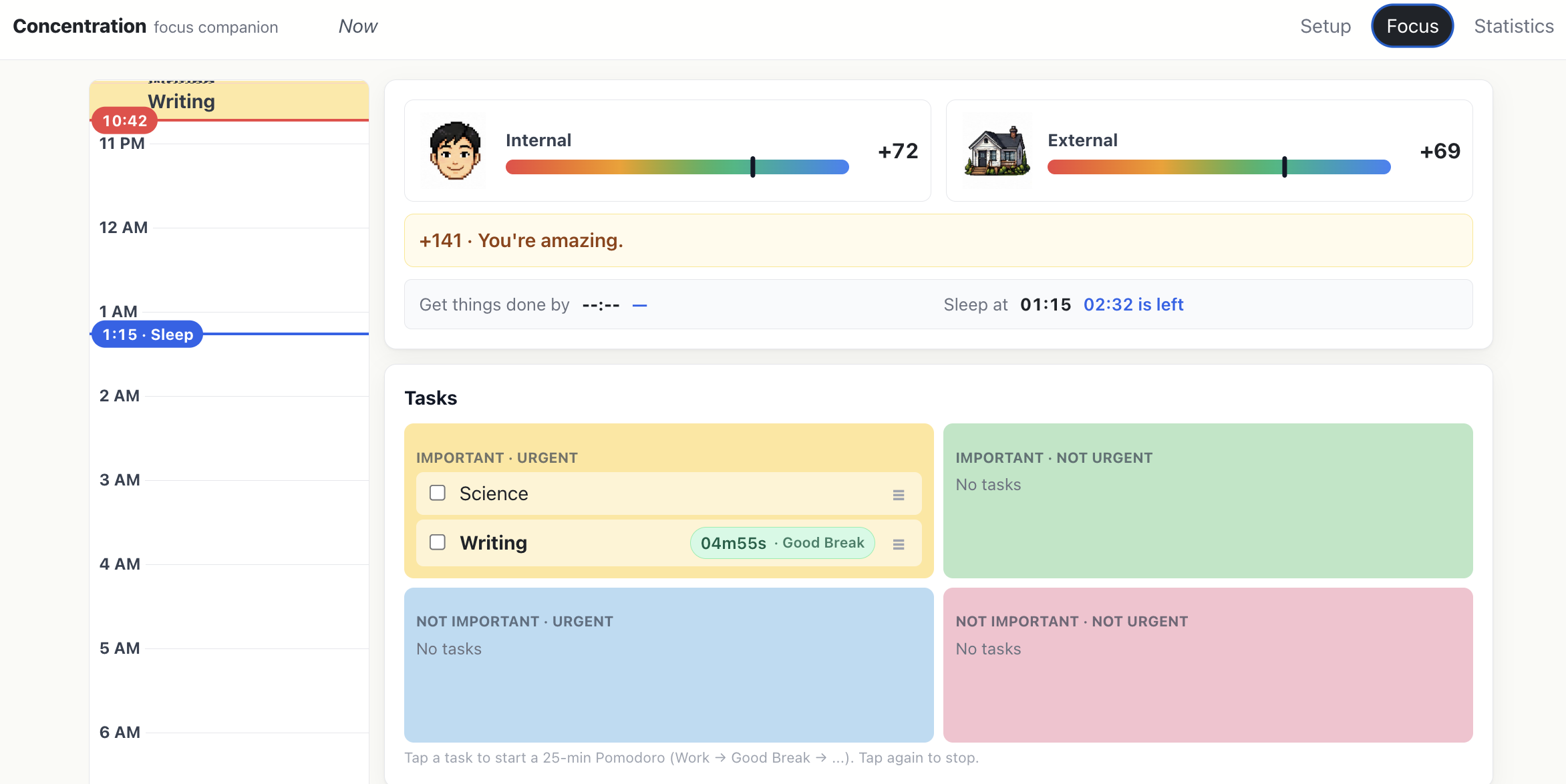
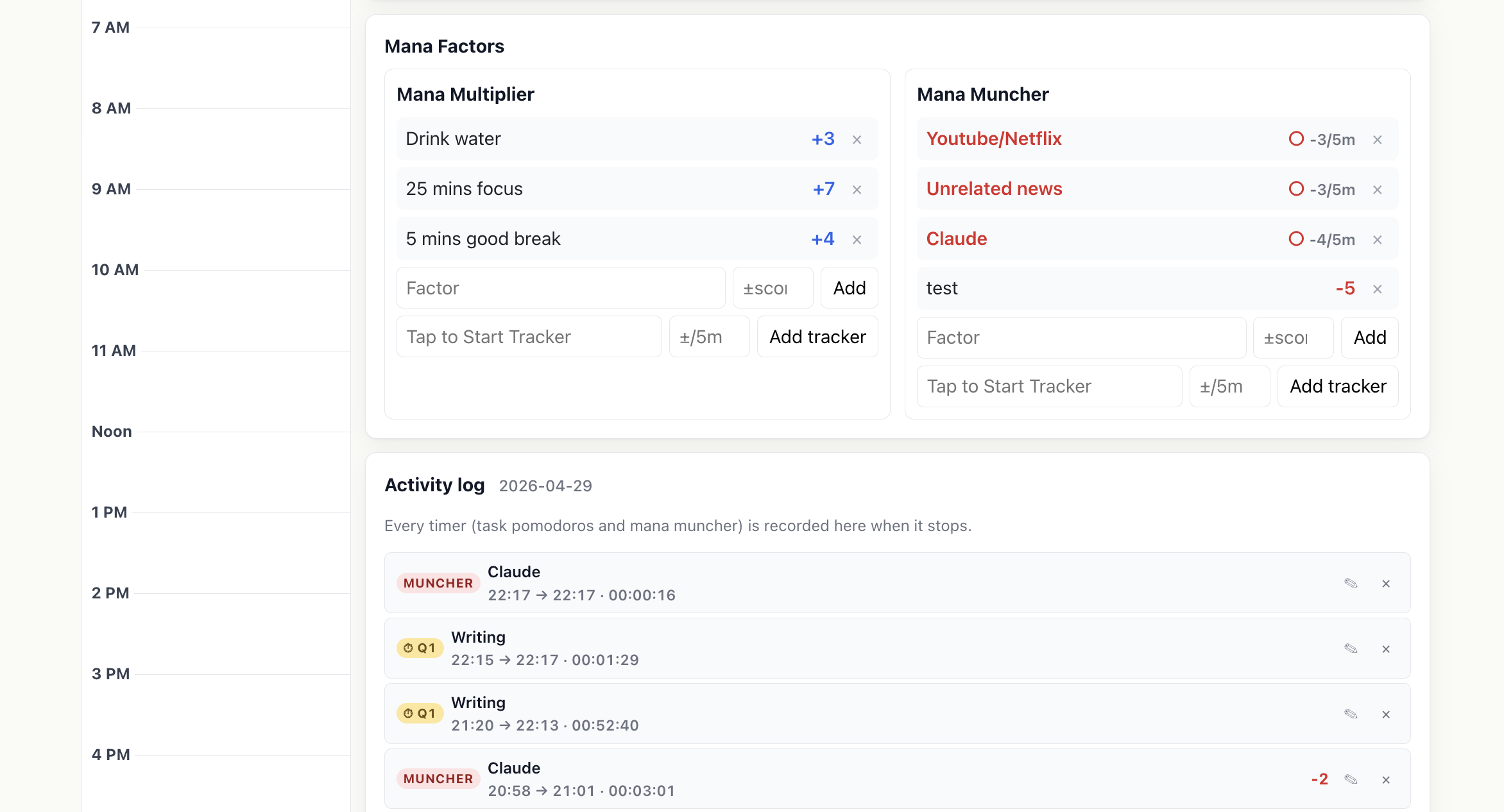
Tap a task to start its timer. Each focus block is a pomodoro (work, then a short break). Use Shuffle to auto-lay tasks on the timeline, or Edit to move and resize blocks by hand.
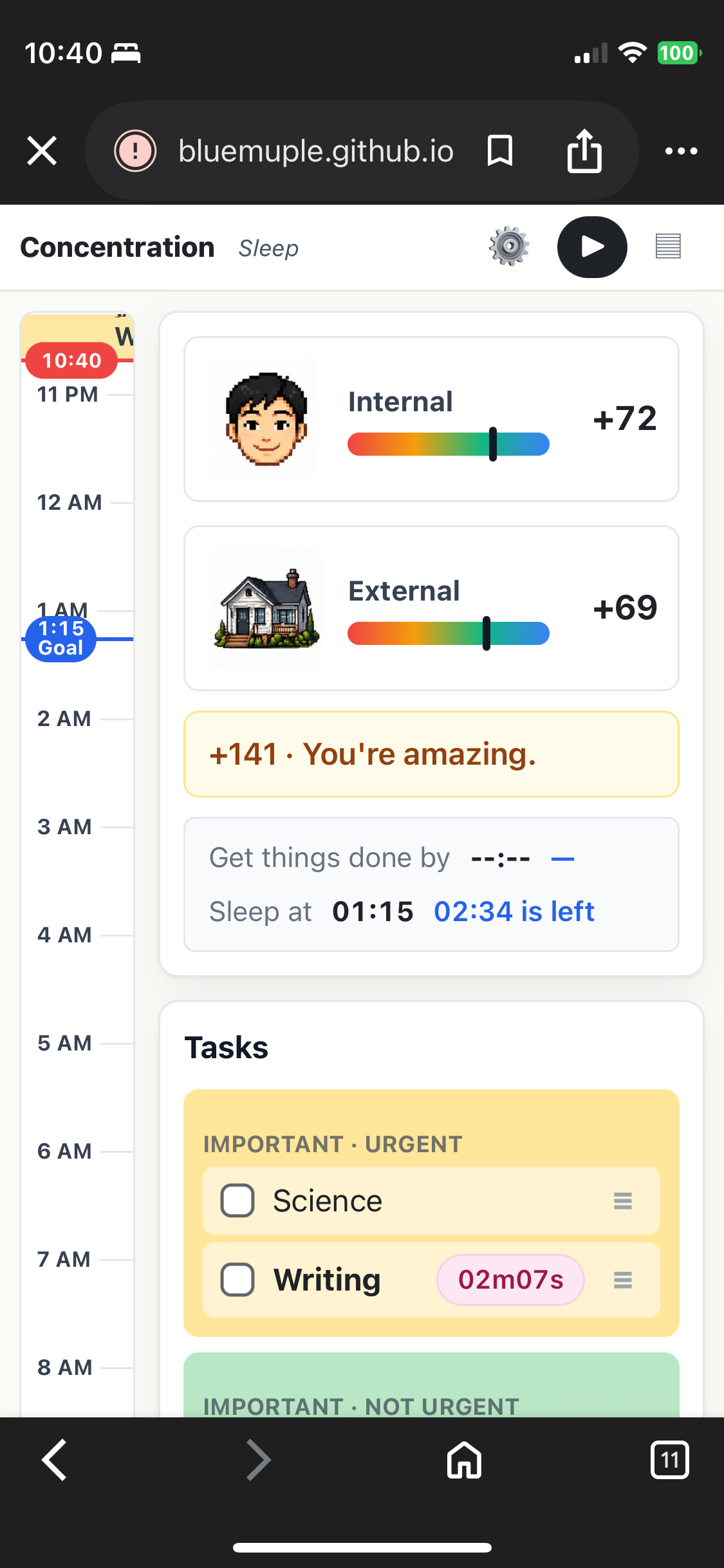
Finishing focused work earns money (shown above the bucket) and pours water into your 7-pillar bucket — one face per life area (Mind, Body, Money…). Tap the 🌱 to water your garden.
Set your start time and a “get things done by” deadline with the clock chip next to Time & Tasks — the blue line on the gauge is your target.
Your Notes (and shared notes from others) rotate in the top bar to keep you company. Write them from the menu → Notes.
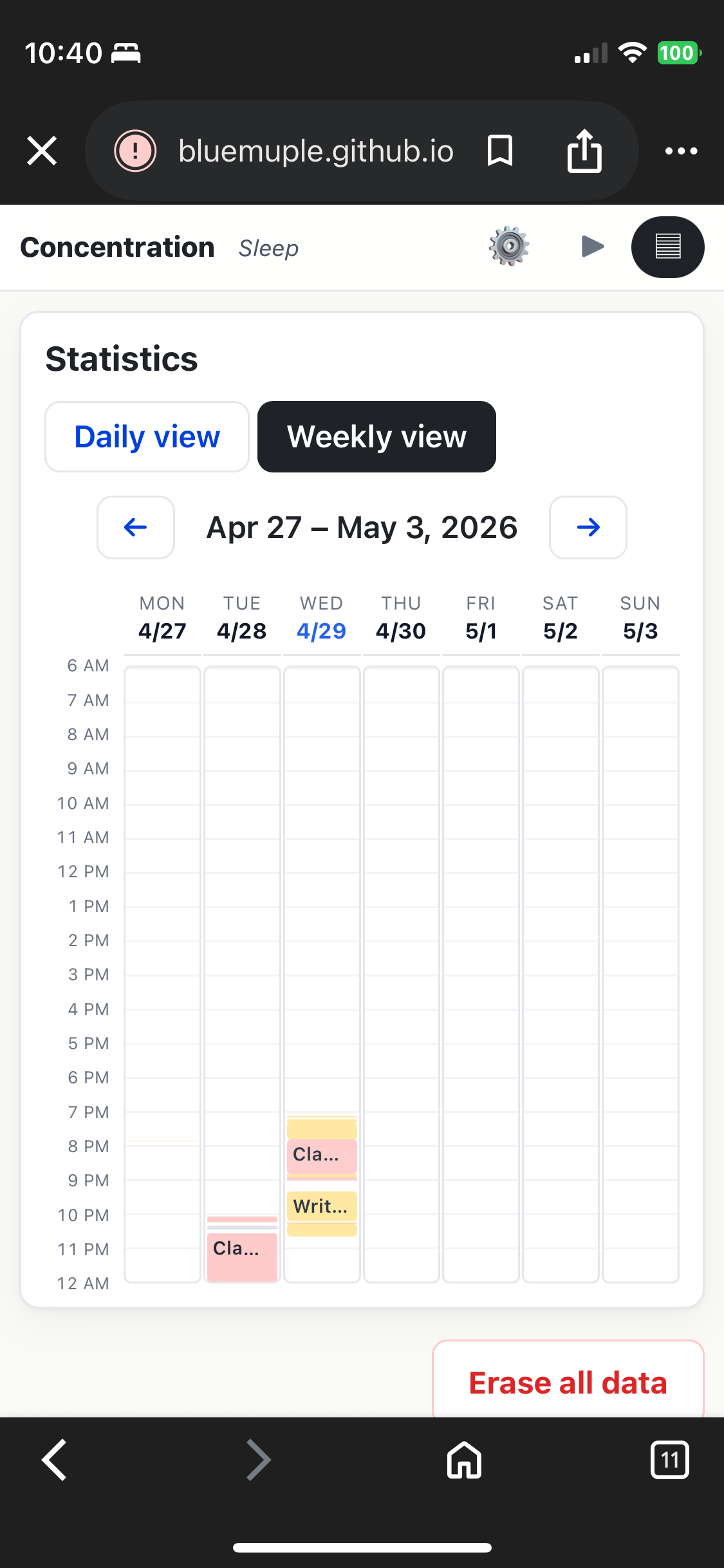
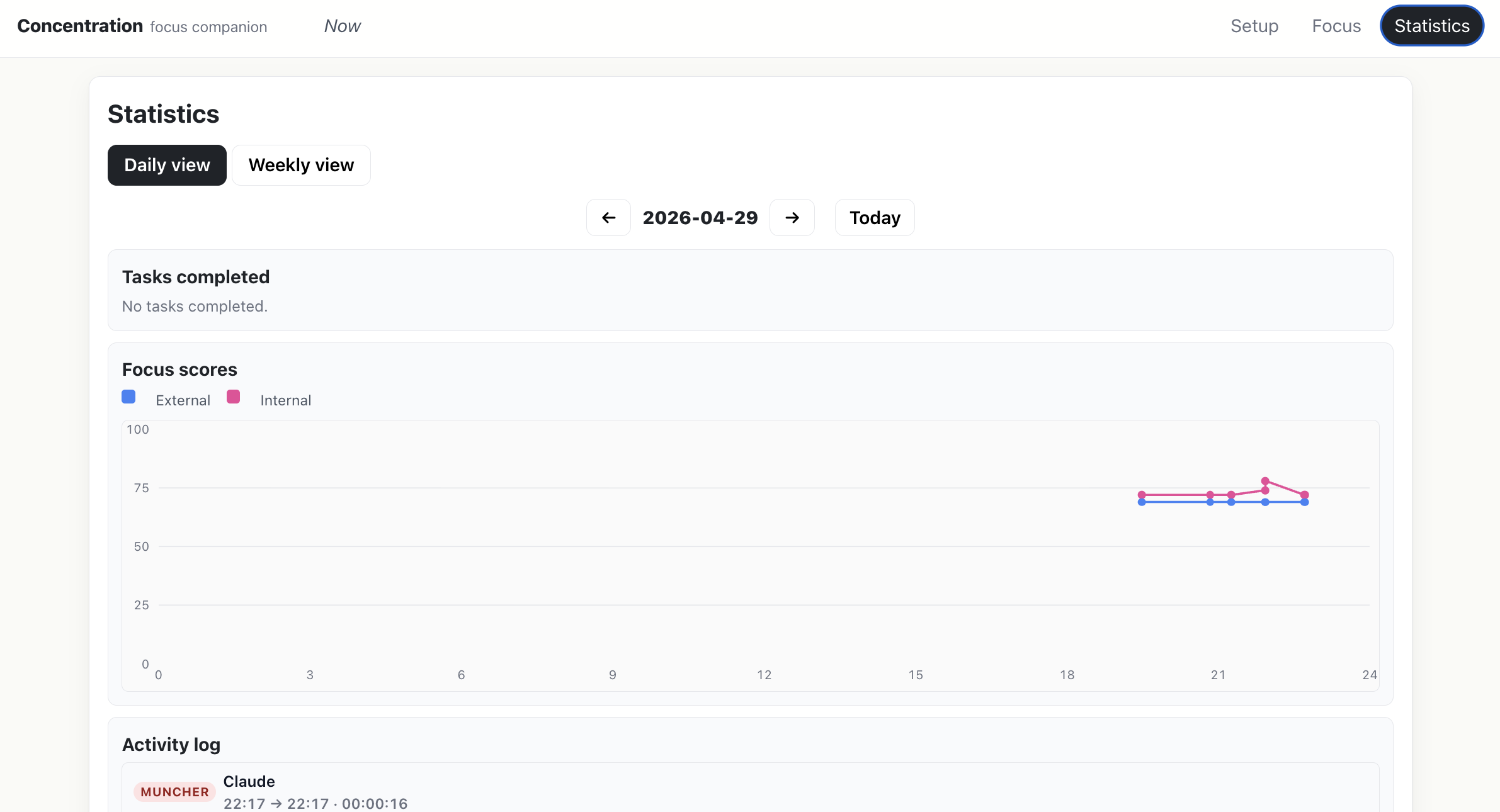
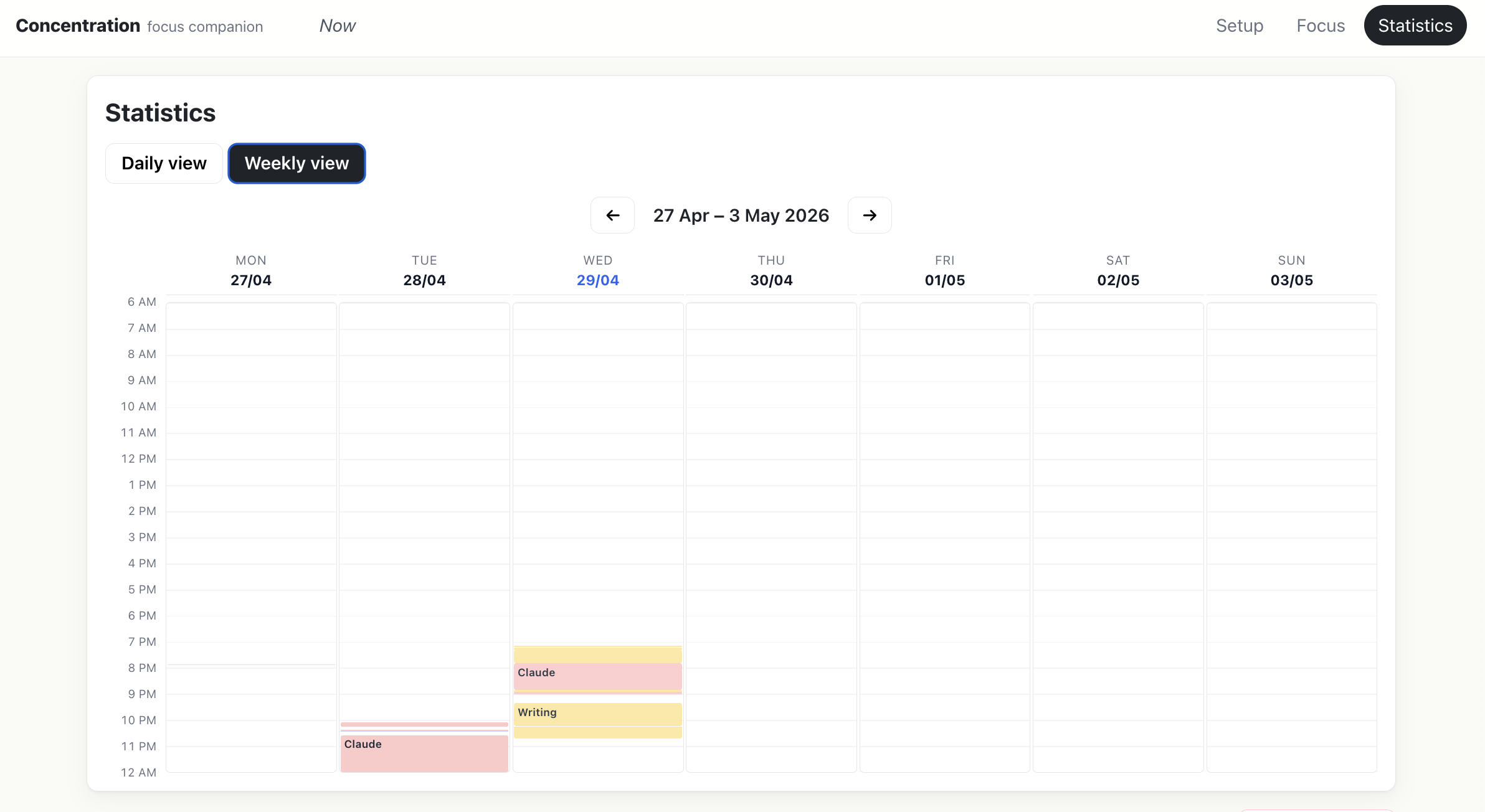
Statistics — your daily/weekly focus history. Settings — sound, theme, timer & reward rules, account. Notes — feelings & quotes for your top bar. Help — this page.
Each 30 min on a bucket side fills a half-ring (clockwise from 12).


filename.mp3 for 3 seconds.audio/focus/; the playlist is read from audio/focus/playlist.json.+1h / +30m / +10m to bump the time, Current Time to start from now, or Clear to wipe the goal. Set goals show as colored lines on the vertical gauge.+$10 / +$5 / +$1, −$1 / −$5, and ↺ Reset (back to the default in Edit Earning for Tasks). No free-form input — every change is in fixed steps.⤢ / ⤡ button next to the "Tasks" title flips between the default 4-cell vertical stack and a swipeable 2×2 grid. Tapping the title text instead toggles the whole panel collapsed.MAR 24 · 14:32 → 15:18 · 0:46:00). The whole panel hides itself when the week has no notes.▾ / ▸) to the right of each title shows the state.Finish today's tasks by...
When does this task start repeating?
One per line · re-picked hourly
Shared anonymously; others appear in green.
Using a web browser?
Create a free account to use Bidoro in a web browser and sync across devices.